Open Your anova Account in Under a Minute
We built registration around your mobile number and the wallet you already use — bKash, Nagad or Rocket. Fill in your details, verify via OTP, and the full lobby opens: live tables from Evolution, slots by Pragmatic Play, and our cricket-led sportsbook covering IPL…
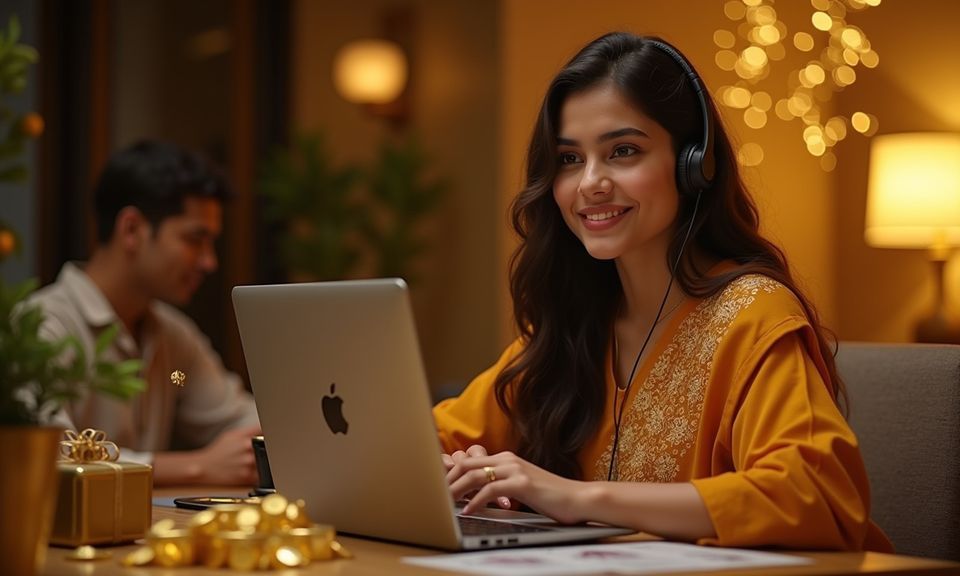
Reach Us If Registration Stalls
Sometimes a network hiccup delays the OTP, or a typo locks a field. We keep multiple contact paths open so you can resolve registration issues without starting over. Our team handles account queries — password resets, wallet linking, identity checks — through the same channels. Players in Dhaka or anywhere else in Bangladesh reach the same queue with the same priority. If your sign-up did not complete or you need to update the mobile number tied to your account, these are the routes to use.
Live Chat
The chat widget sits at the bottom-right corner of every page. Tap it, describe the registration issue, and an agent responds. Available around the clock for account-related queries.
Contact Form
Prefer to write it out? Submit a message through the contact form on our support page. Include your registered mobile number so we can locate your account and respond by email or SMS.
Social Channels
Reach our support team through our official social media accounts for quick account help. Useful if live chat is busy or you want to send a screenshot of the registration screen.
Your Registration Flow, Step by Step
Creating your account takes one screen and one confirmation code. Tap the registration button, enter your Bangladesh mobile number, choose a password, and confirm the OTP we send to your handset. That is the entire process — no document upload at this stage, no waiting period. Once confirmed, your dashboard loads with the deposit panel
already visible. You pick bKash, Nagad or Rocket, scan the QR or copy the account number into your wallet app, confirm with your PIN, and the balance appears in your anova wallet. From there, you can browse Baccarat Lightning in the live section, check Football Quickbet markets, or spin through PG Soft rooms. If you
already hold an account and need to sign back in, the same mobile number and password combination gets you through. Forgotten credentials? We send a reset OTP to the registered number within seconds. Your account is yours to manage — update contact details, set a new password, or review transaction history anytime from the profile
tab.
-
Verified in Seconds Your mobile number receives a one-time code. Enter it and the account is live — no email chain, no waiting queue. The OTP arrives on the same device you are registering from.
-
Encrypted from Day One Every piece of data you submit during registration travels over encrypted channels. Your password is hashed before storage, and wallet credentials never sit in plain text on our systems.
-
Instant Lobby Entry Once your OTP clears, the entire game library unlocks. Live dealer tables, crash games like Crash Rocket, slot rooms and the sportsbook are all visible immediately — no staged access.
-
Help Available Around the Clock If anything stalls during sign-up — an OTP that does not arrive, a field that will not validate — our support team is reachable through live chat or the contact form at any hour.
Your details are encrypted for secure account access.
Fund Your New Account with bKash, Nagad or Rocket
Registration and your first deposit sit back to back — no separate verification gate between them. As soon as your OTP confirms, you see the deposit screen with local wallet options already listed. Open your preferred app, send to the number displayed, and your balance updates within moments. We accept the three mobile wallets Bangladesh players actually carry: bKash for its wide agent reach, Nagad for its low-fee structure, and Rocket for its DBBL integration. Each transfer requires only your wallet PIN to complete.
How We Protect Your Registration Data
Opening an account means handing us personal details — your number, your name, your wallet link. We treat that seriously. Below is what happens behind the scenes from the moment you tap the register button. Every layer exists to keep your data private, your funds traceable only to you, and your access recoverable if something goes wrong. These are operational realities, not marketing promises, and they apply equally whether you signed up five minutes ago or five months ago.
SSL Encryption
All data between your device and our servers travels through SSL-encrypted channels. This applies to the registration form, login, deposits and every other interaction. Third parties cannot intercept what you submit.
Hashed Credentials
Your password is hashed using a one-way algorithm before it ever touches storage. Even our internal team cannot read it. If you forget it, we issue a reset — we never retrieve the original.
OTP Identity Check
The one-time password sent to your mobile number confirms you physically hold the device. This blocks anyone who might guess or steal your login details from completing sign-up in your name.
Single Wallet Binding
Your account links to the bKash, Nagad or Rocket number you register with. Withdrawals go back to that same wallet. If you need to change it, our team verifies ownership before switching.
Session Timeout
Inactive sessions expire automatically. If you walk away from your device mid-registration or after login, the session closes. Anyone picking up the device would need to authenticate again.
Data Retention Policy
We store only what is necessary to run your account and meet regulatory expectations. Personal data is not sold or shared with unrelated parties. You can request a data summary through support.
Common Questions About Signing Up
We hear the same set of questions from new visitors going through the registration form. Below are clear answers covering account creation, OTP delivery, wallet linking, and what to do when something does not work as expected. If your question is not listed here, reach out through live chat and we will sort it out.